Access Your Photos

1. Click on the button below to enter the student portal.
2a. Charleston: Enter “bma” plus your student number to login and access the site (e.g. bma12345).
2b. Rochelle: Please contact the school, call Cashman Photo at 702.871.8300, or  email us at cp********@**********to.com to retrieve your password.

Once logged in, you will be able to view, purchase prints and digital products.

How to place an order
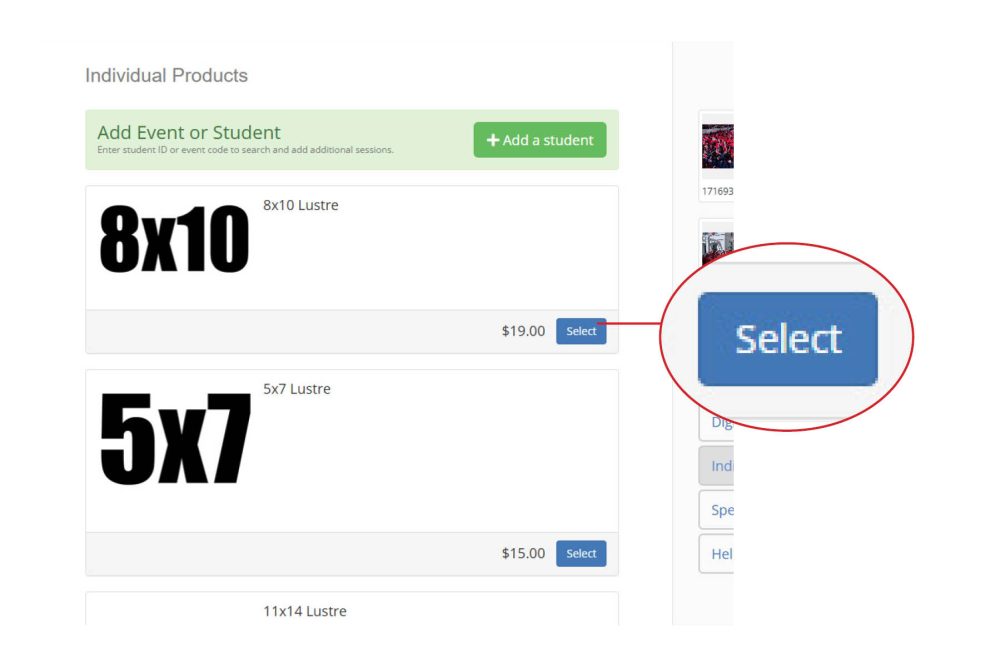
1 - Select a package or product

FM_HowToOrder

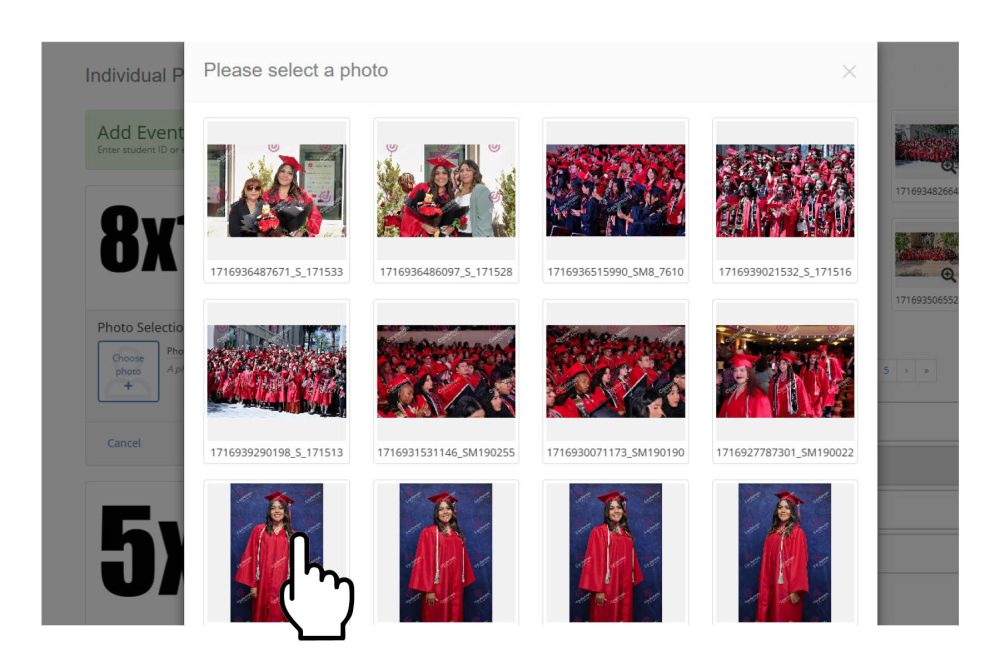
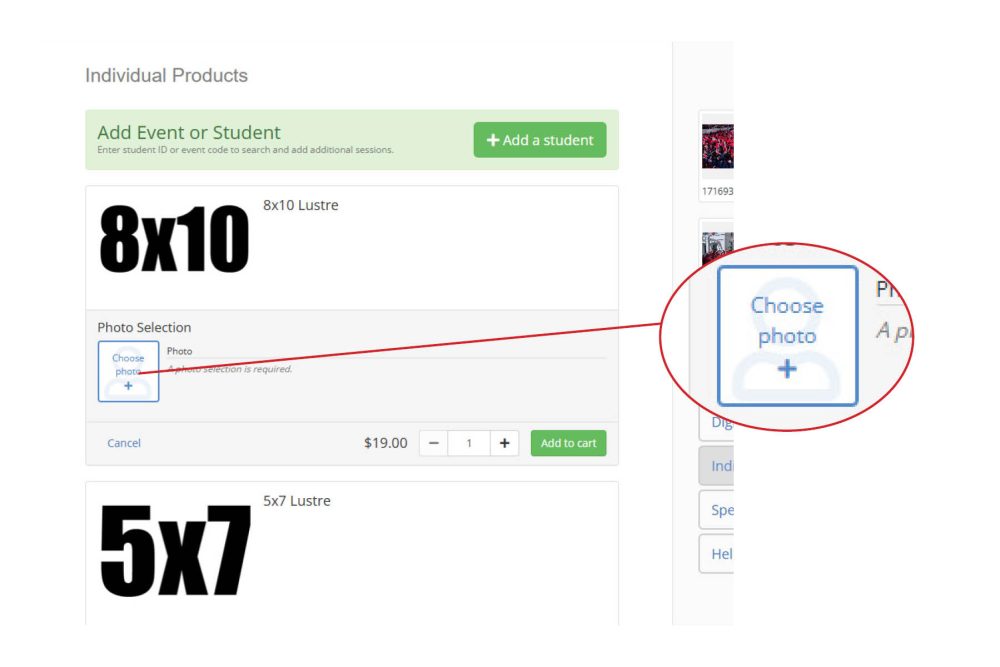
2 - Select a photo

FM_HowToOrder3
FM_HowToOrder4

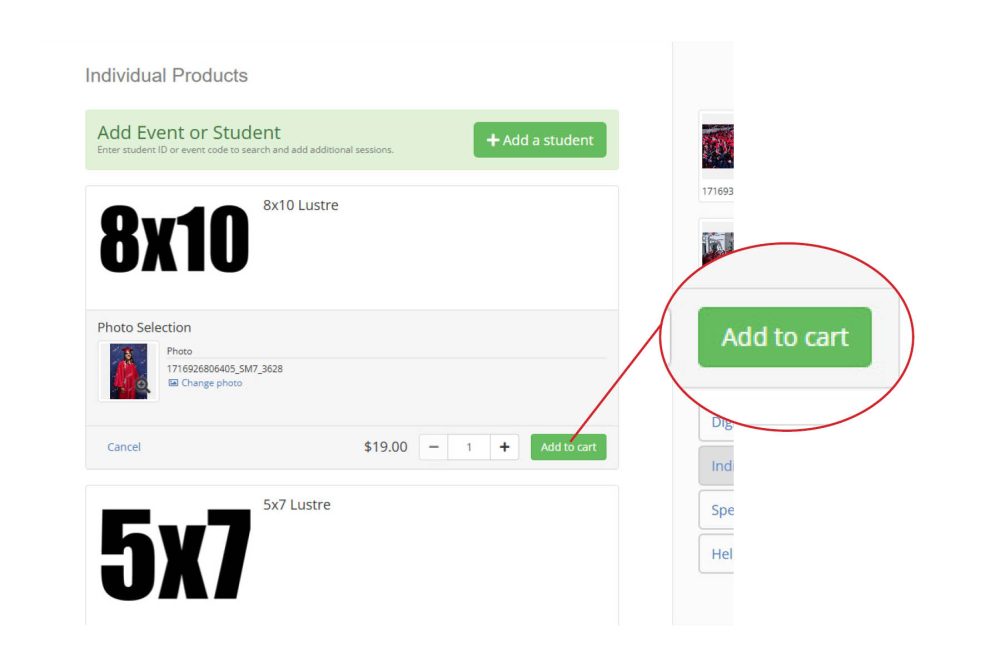
3 - Add to cart when ready

FM_HowToOrder5

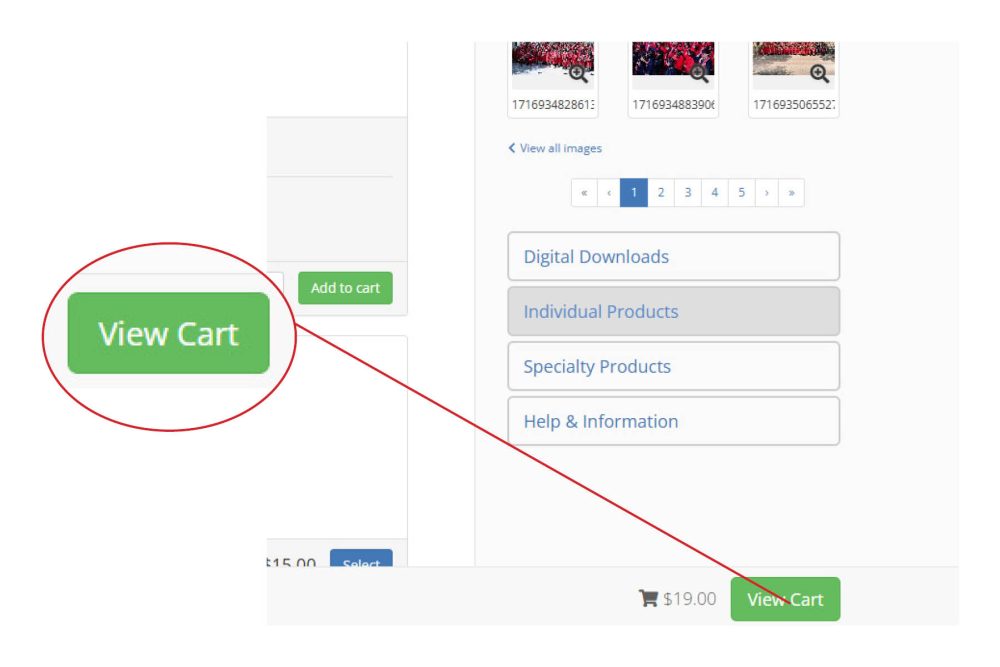
4 - View cart to checkout

FM_HowToOrder6
How to add an event or student

1 - Click the "+Add a Student" button near the top of the page

2 - Enter an alternate code to add a subject or the same code to add another session

3 - Add the subject/session (repeat for other codes/sessions)

4 - Switch between subjects/sessions using the dropdown

Order page not showing

If you have pop-up blockers, please ensure to disable or allow cashmanprofessional.fotomerchanthv.com through your pop-up settings.

If you continue to have issues accessing your gallery. Please contact us.

Having issues? Contact Us